How to Buy a Virtual Visa Gift Card Online: Step-by-Step
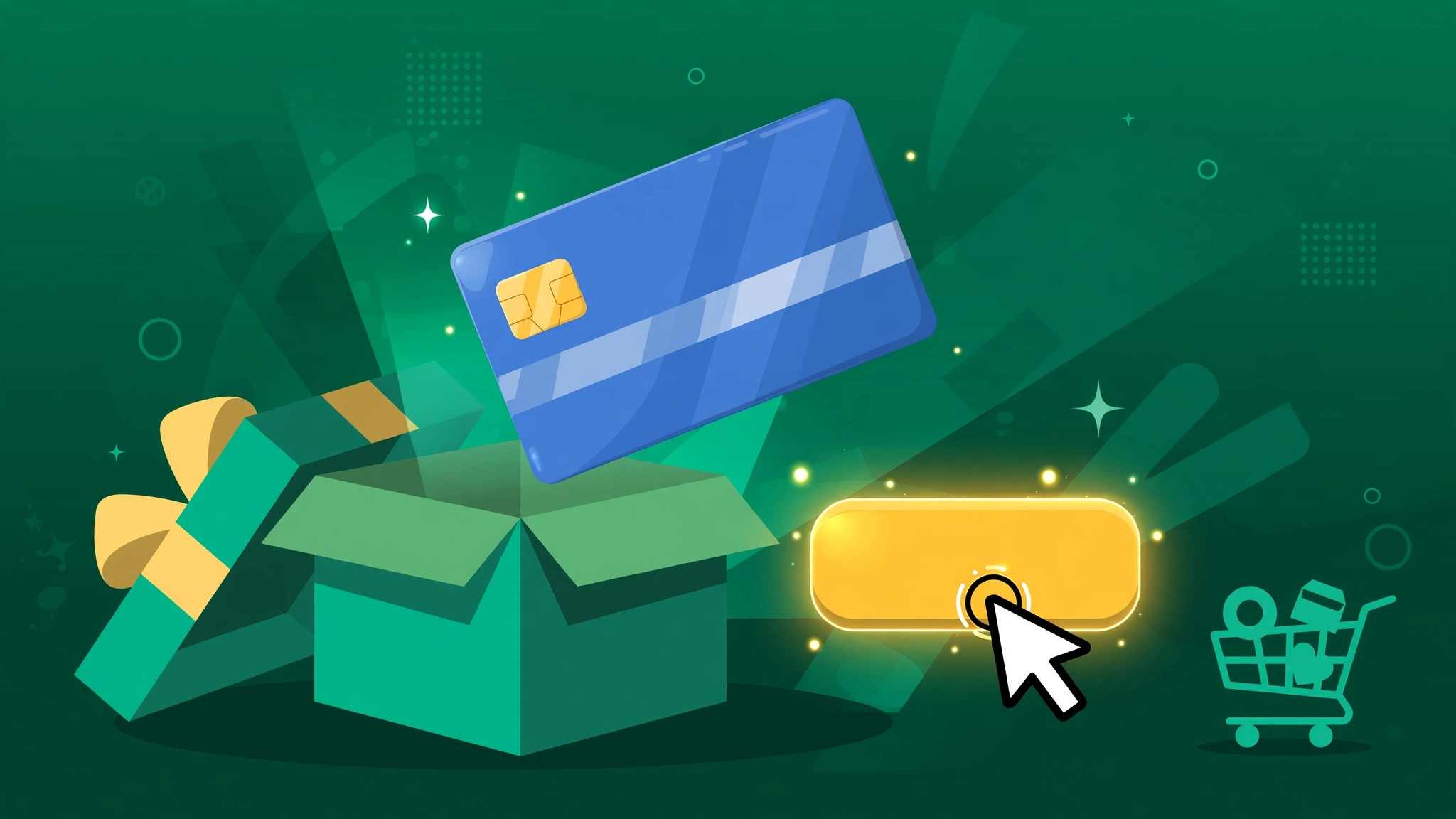
A virtual Visa gift card is one of the most useful digital products you can own: a real card number for online spending, delivered to your screen in minutes. Whether you need it for a free trial, a subscription, or an international payment, here's exactly how to buy a virtual Visa gift card online.
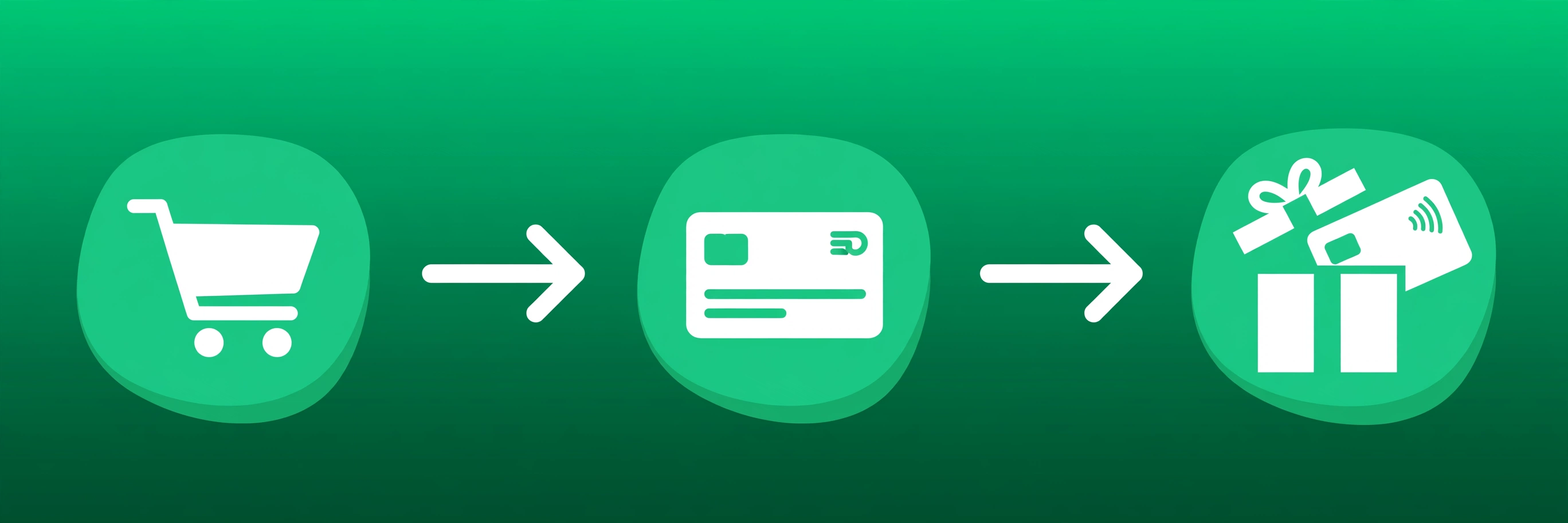
Step 1: Choose a trustworthy seller
This is the step that matters most. Look for:
- Instant delivery — the card should appear right after payment, not "within 24 hours"
- A written refund policy — if the card doesn't work as described, you get your money back
- Human support — real answers when something goes wrong, not a bot loop
- Clear product descriptions — card network, balance, and region spelled out before you pay
Step 2: Top up your balance
Most digital-goods stores run on crypto. At TokenLooT you top up with Bitcoin, USDT, Litecoin, Ethereum, or Monero — funds land automatically, usually within a minute. One top-up covers all your future purchases.
Step 3: Check out
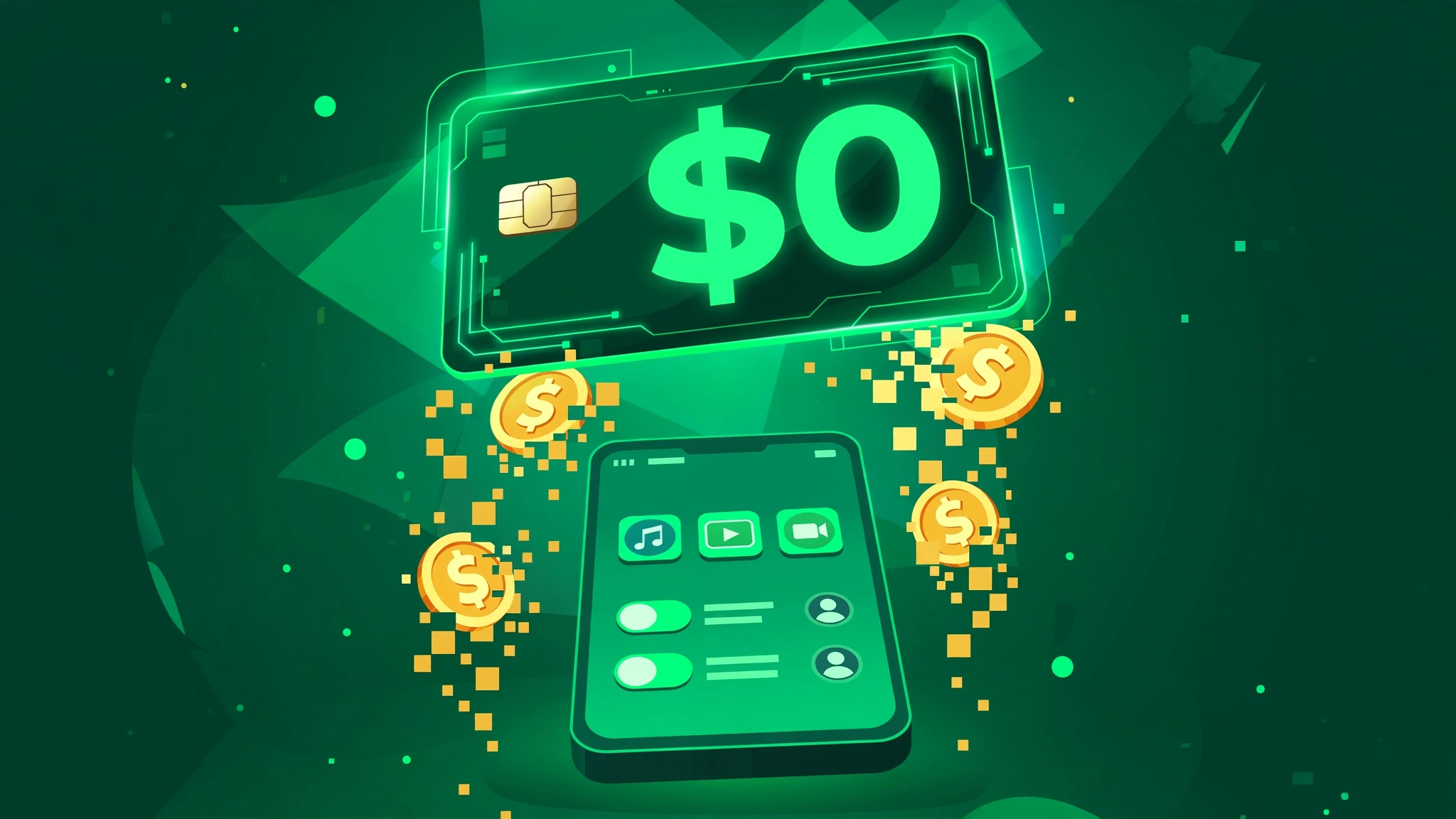
Pick the card, confirm the price, and pay from your balance. Our VISA 0 USD virtual card is a popular pick for trials and verifications — zero starting balance, so there's nothing at risk.
Step 4: Use your card
Your card number, expiry, and CVV appear on screen instantly. Enter them at any checkout that accepts Visa — app stores, streaming trials, SaaS signups, ad platforms. It works like any other Visa card online.
Common mistakes to avoid
- Buying from random sellers with no refund policy — if the card is dead on arrival, your money is gone.
- Ignoring the card type — some merchants reject prepaid BINs; know what you're buying.
- Using your main email for shady trials — pair the card with a spare email for maximum safety.
Ready? Buy your virtual Visa card now — instant delivery, 24-hour warranty, and support that actually answers.